opencv_apps
opencv_apps provides the ROS nodes that run the functions of OpenCV: image processing,
features, contours, optical flows, tracking, detection and recognition, and the deep learning models of cv::dnn
and opencv_zoo.
Each node subscribes an image topic, and publishes its results as messages (e.g.
opencv_apps/msg/DetectionArrayStamped) and as an image with the results drawn on it, so you can use the
functions of OpenCV just by running a launch file. The same source supports both ROS 1 and ROS 2.
What opencv_apps can do
The nodes are grouped by what they find, e.g. what the whole image shows (image classification), the bounding boxes of
the objects (object detection) or the regions of the pixels (segmentation). The nodes of a group publish the same kind
of results, mostly the same type of message on the same topic, so that one can replace another, e.g.
face_detection by dnn_face_detection. Each group lists the nodes by the distributions that they run on, and
each tile shows the main output of the node. Click a node to see its topics, parameters and usage.
Image filters
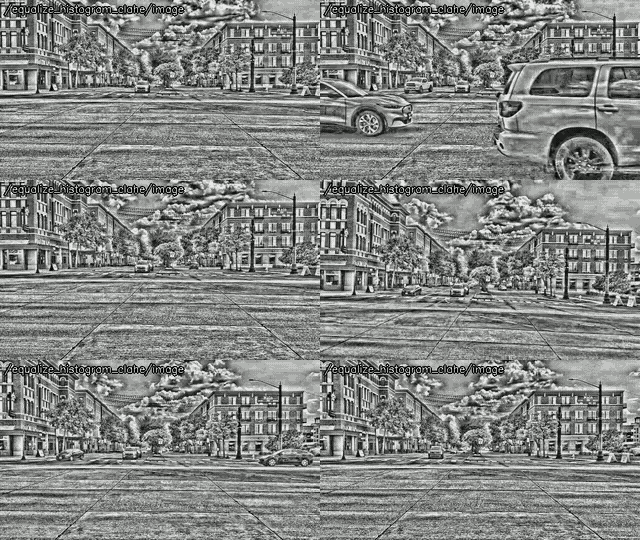
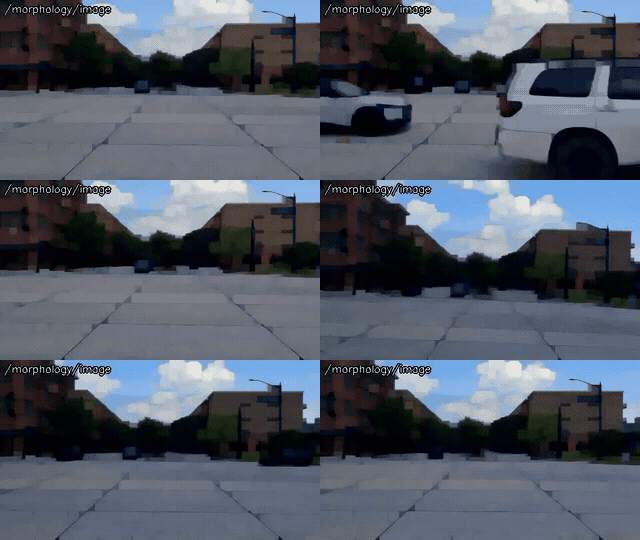
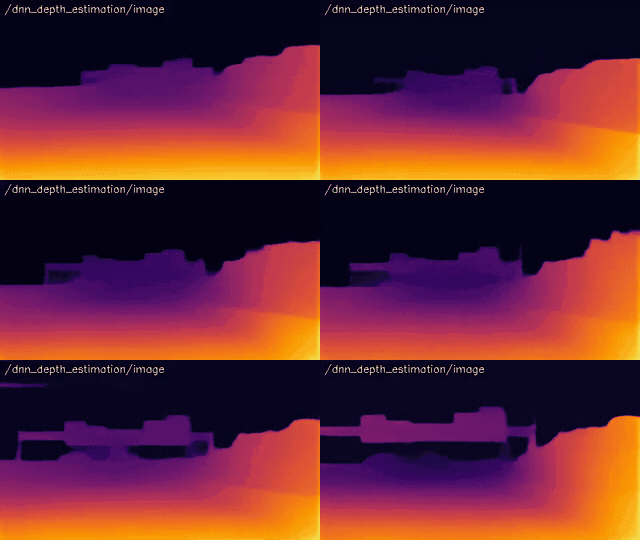
Filter and transform the images: edges, histogram equalization, morphology, image pyramids, smoothing, thresholds, the Fourier transform and the depth estimated by a DNN.
Output: the processed image in ~/image.
ROS 1: noetic and later, ROS 2: jazzy and later
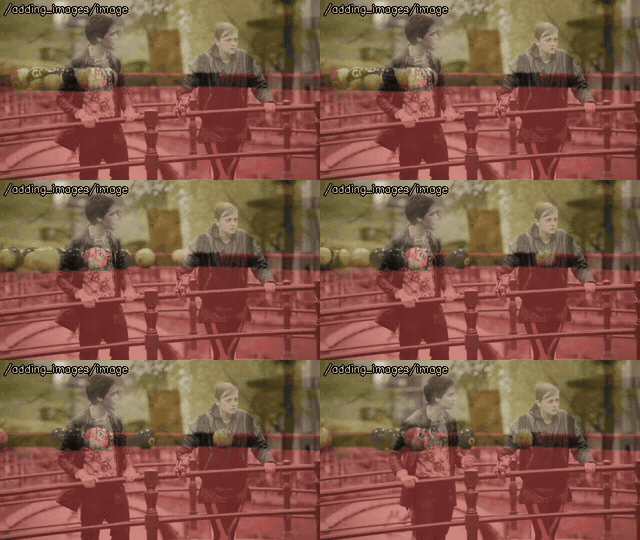 adding_images
~/image
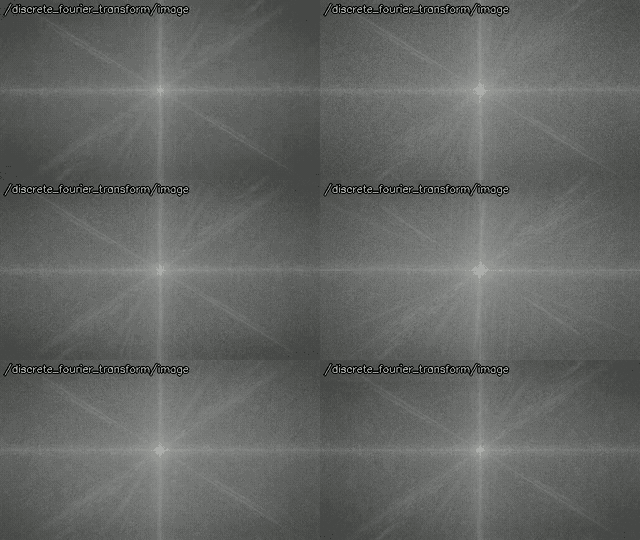 discrete_fourier_transform
~/image
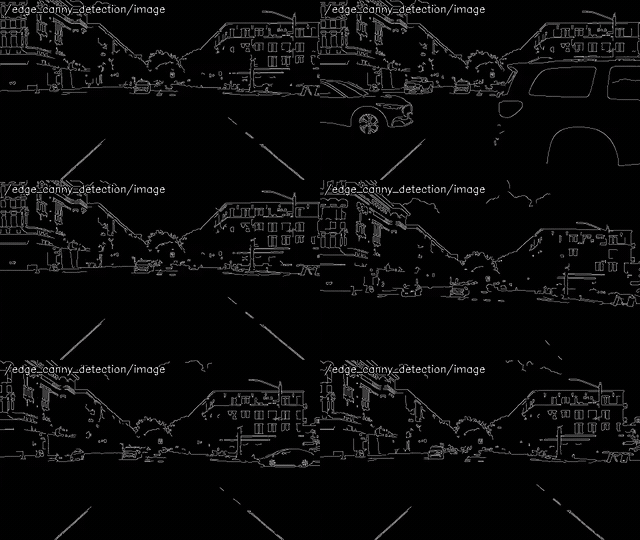 edge_detection
~/image
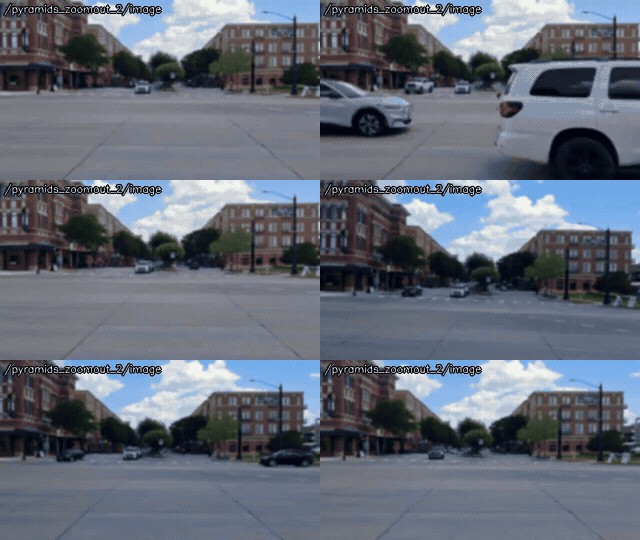 pyramids
~/image
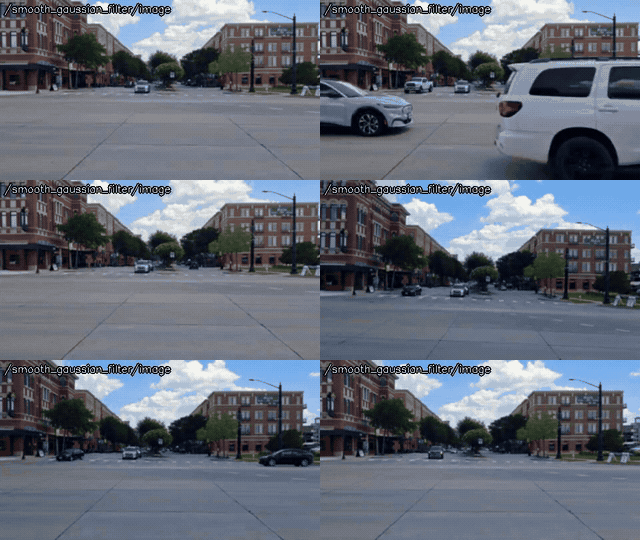 smoothing
~/image
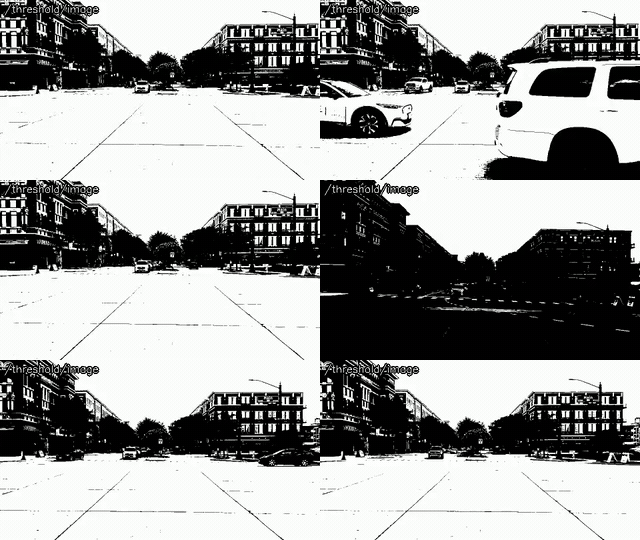 threshold
~/image
ROS 1: ROS One and later, ROS 2: jazzy and later
Features and shapes
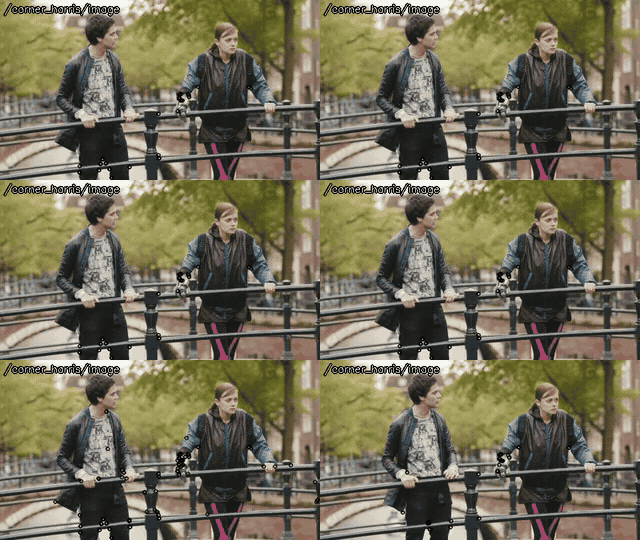
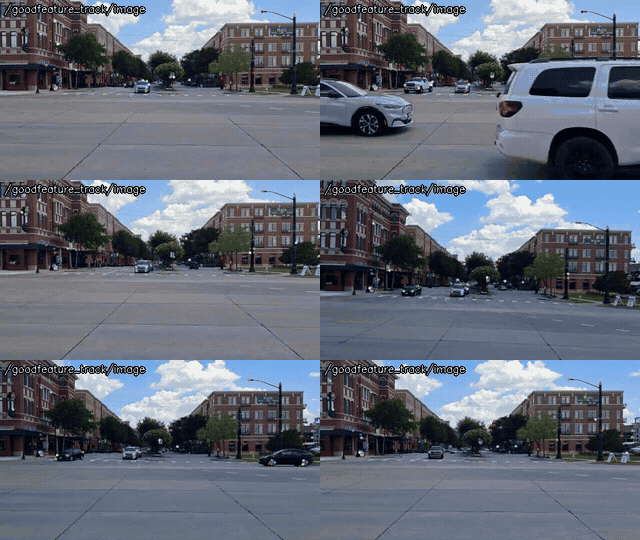
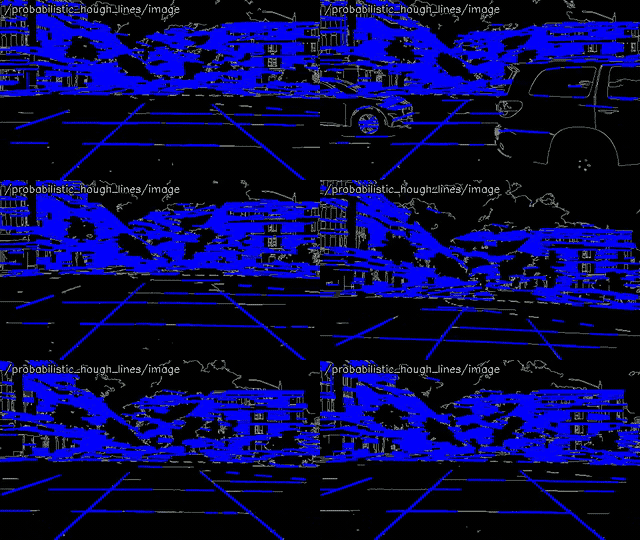
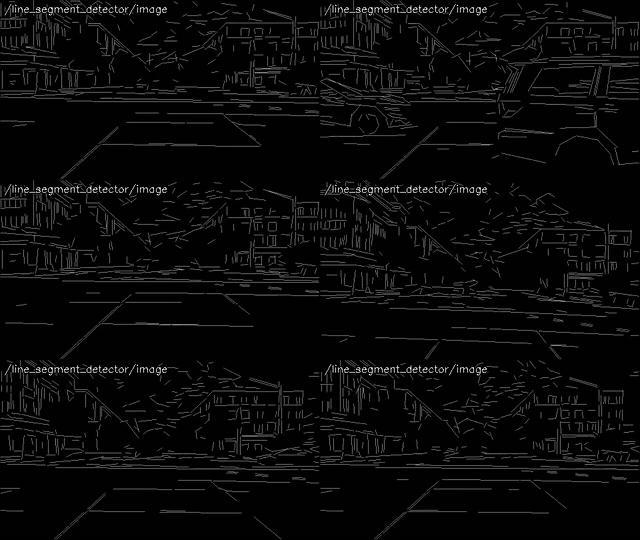
Find the corners, the lines and the line segments, the circles and the blobs, and the contours with their bounding shapes, moments and convex hulls.
Output: ~/corners (Point2DArrayStamped), ~/lines (LineArrayStamped), ~/circles (CircleArrayStamped) and ~/contours (ContourArrayStamped, ~/hulls of convex_hull), by the kind of the features.
ROS 1: noetic and later, ROS 2: jazzy and later
 corner_harris
~/corners
 goodfeature_track
~/corners
 hough_lines
~/lines
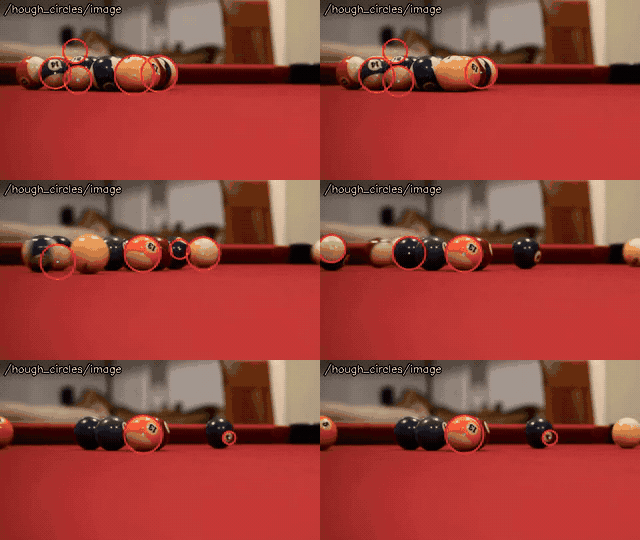 hough_circles
~/circles
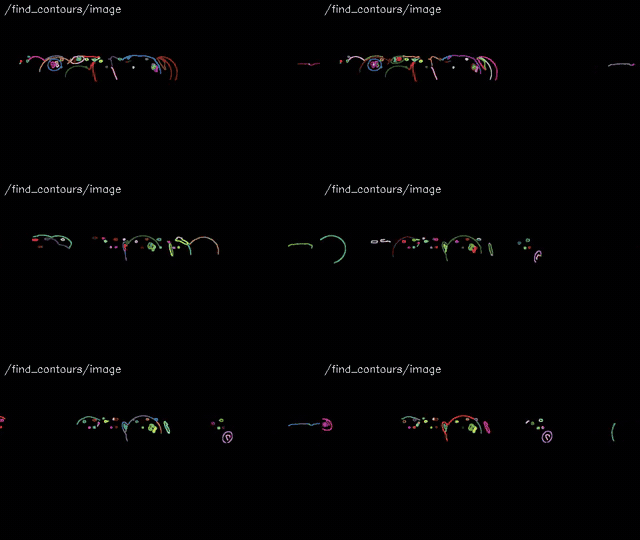 find_contours
~/contours
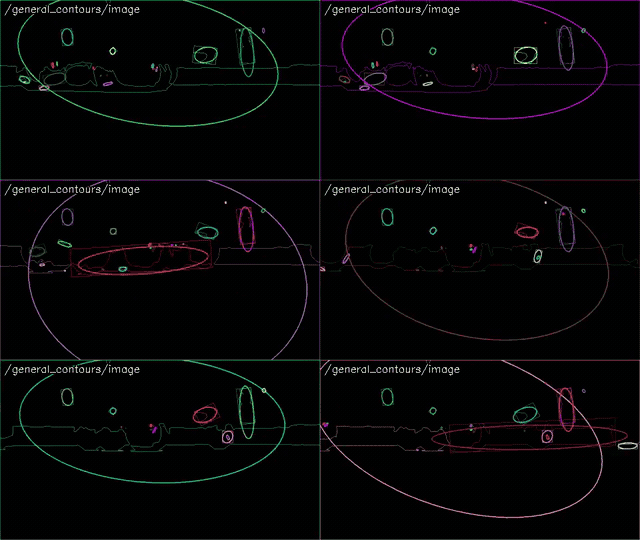 general_contours
~/contours
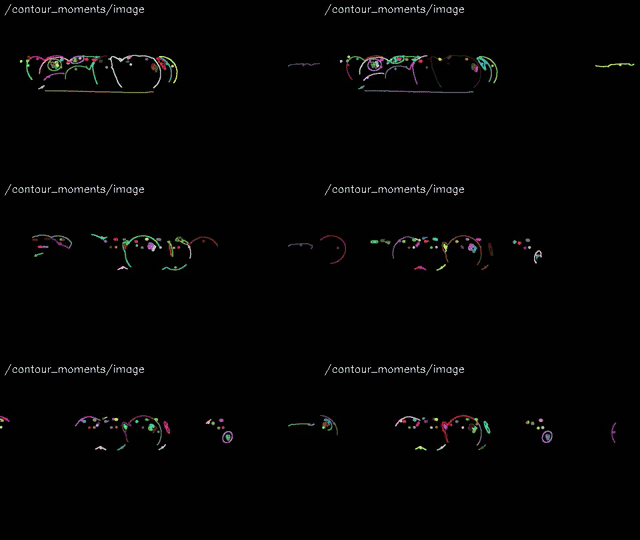 contour_moments
~/contours
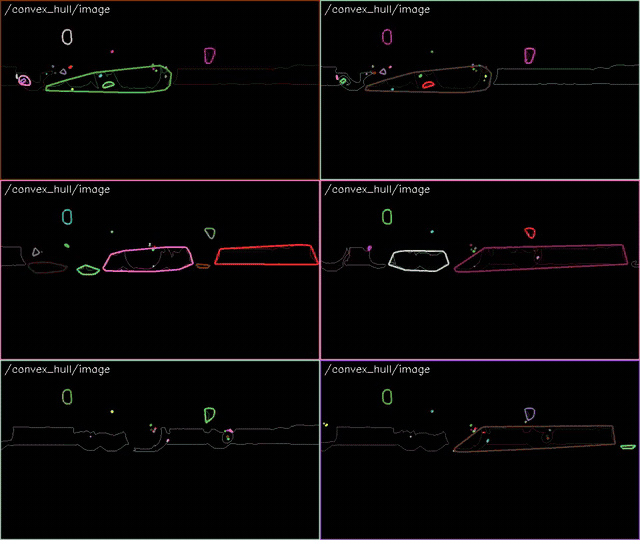 convex_hull
~/hulls
ROS 1: ROS One and later, ROS 2: jazzy and later
Segmentation
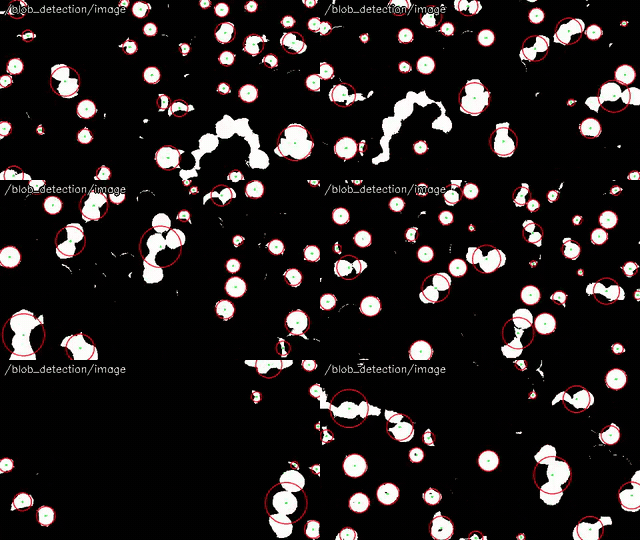
Divide the image into regions by the class of each pixel: the pixels in a range of colors, the foreground, the connected regions, and the classes of a DNN.
Output: the mask or label image, ~/image of the color filters and background_subtraction, ~/label of dnn_semantic_segmentation, and ~/contours (ContourArrayStamped) of the regions of segment_objects and watershed_segmentation.
ROS 1: noetic and later, ROS 2: jazzy and later
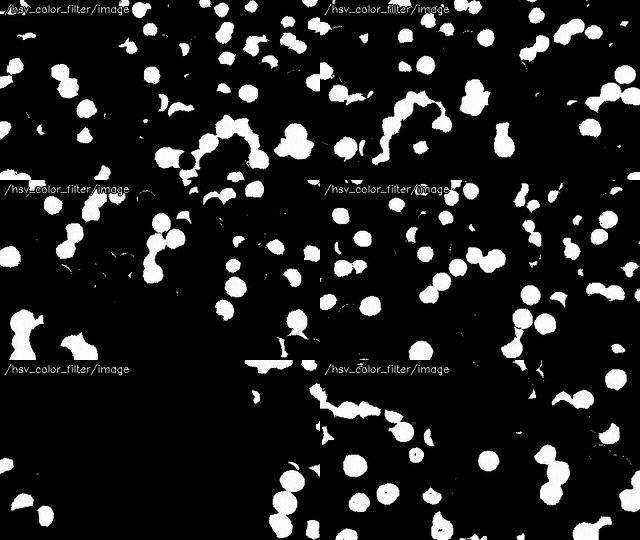 hsv_color_filter
~/image
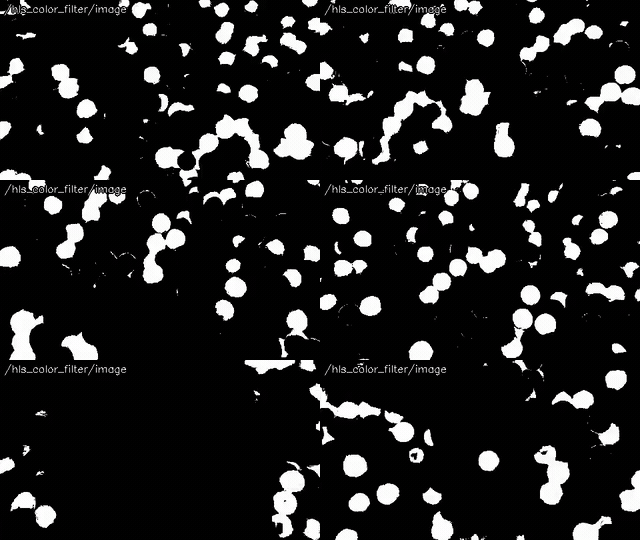 hls_color_filter
~/image
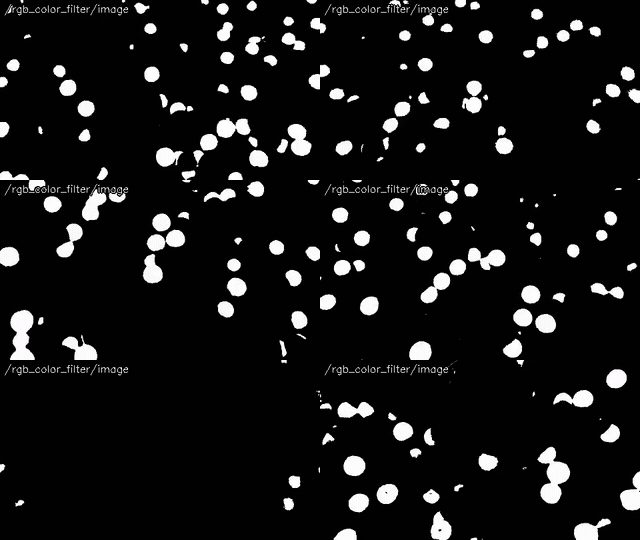 rgb_color_filter
~/image
 segment_objects
~/contours
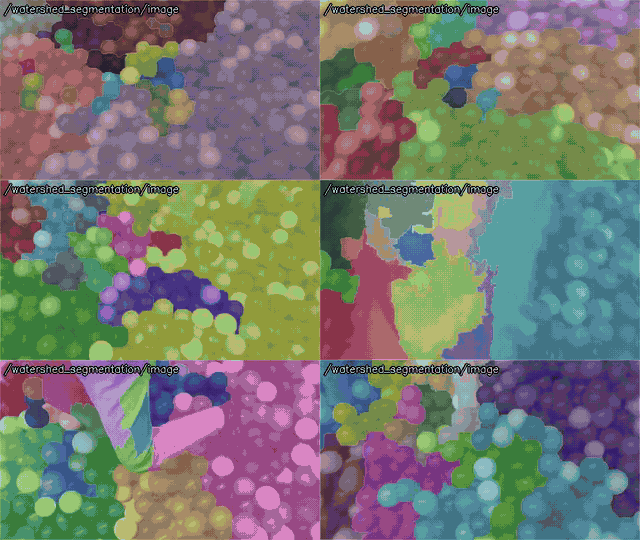 watershed_segmentation
~/contours
ROS 1: ROS One and later, ROS 2: jazzy and later
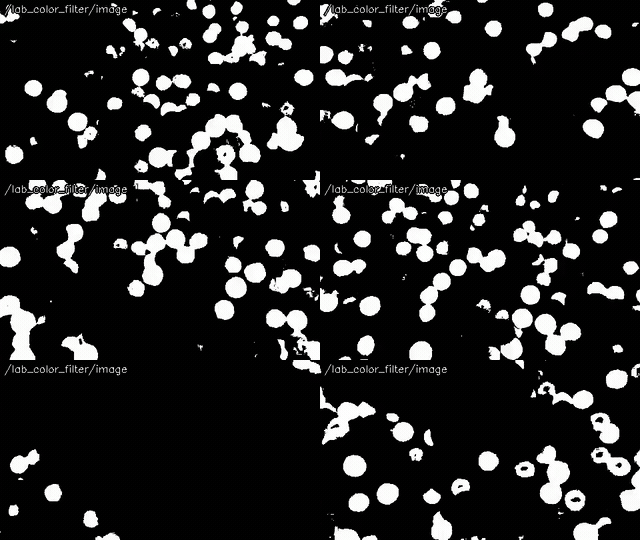
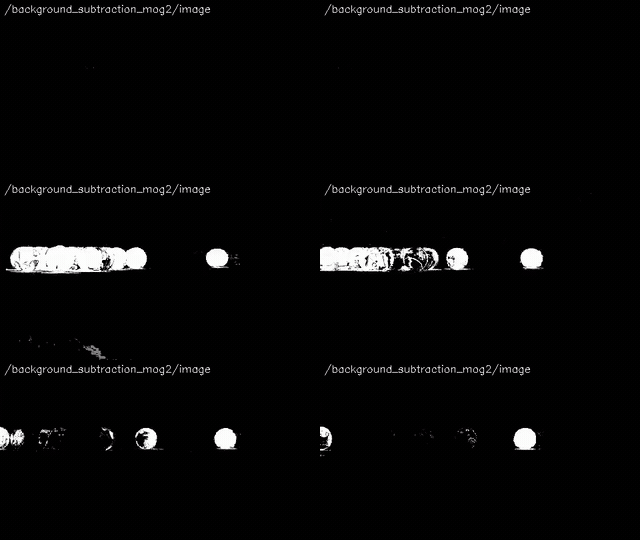
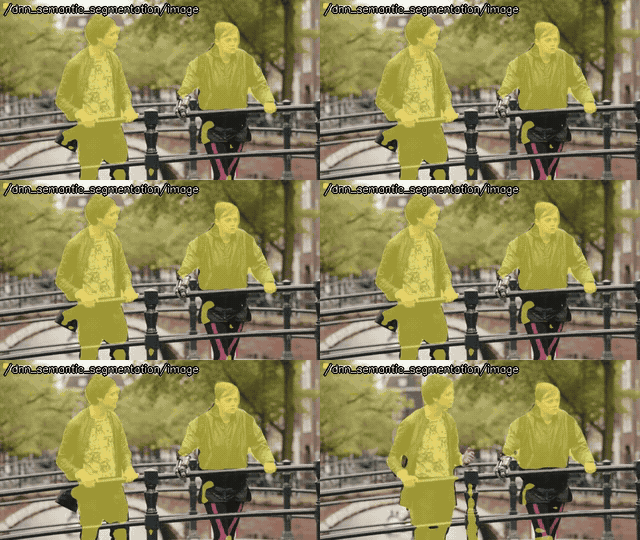
Image classification
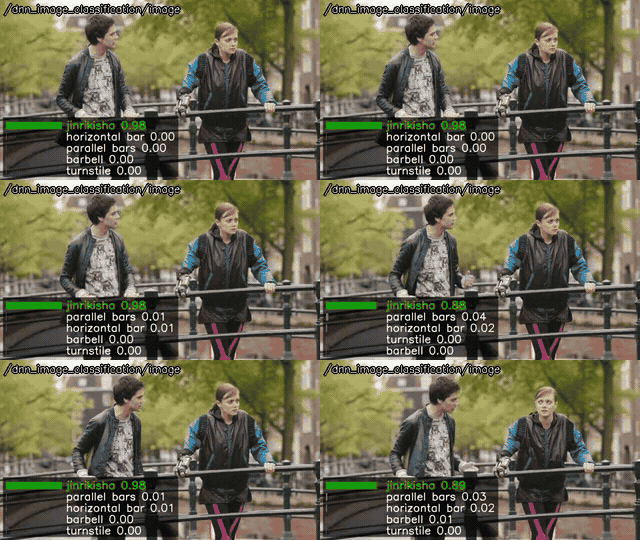
Find what the whole image shows, the classes of ImageNet.
Output: ~/detections (DetectionArrayStamped), the classes with their scores.
ROS 1: ROS One and later, ROS 2: jazzy and later
Object detection
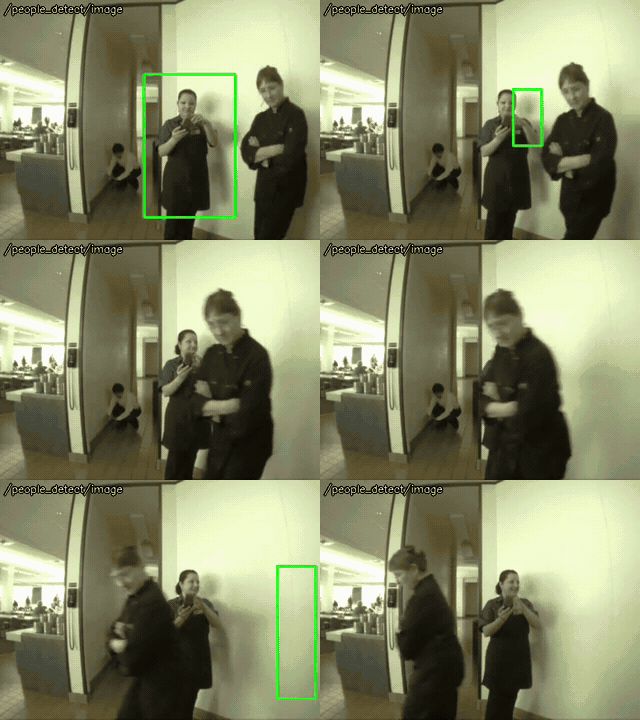
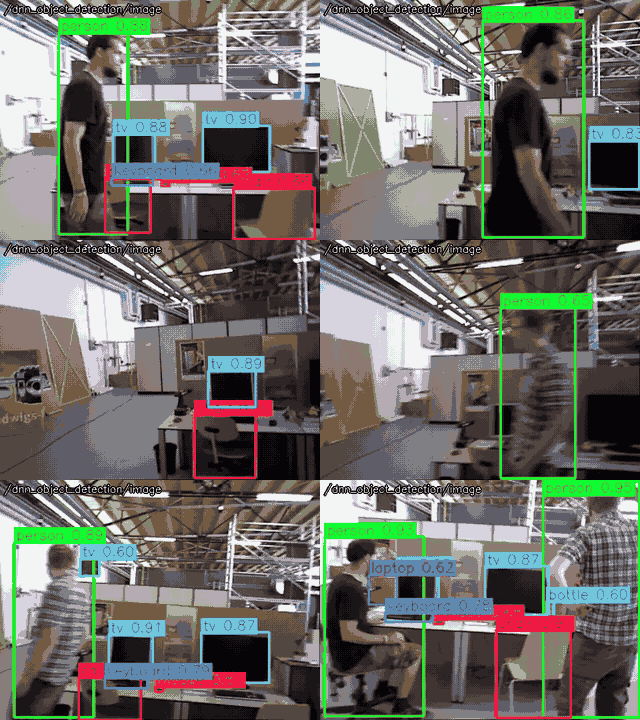
Find the bounding boxes of the people (HOG of people_detect) and the objects (YOLO of dnn_object_detection: YOLOX, YOLOv4 and the other models of cv::dnn).
Output: ~/detections (DetectionArrayStamped).
ROS 1: noetic and later, ROS 2: jazzy and later
ROS 1: ROS One and later, ROS 2: jazzy and later
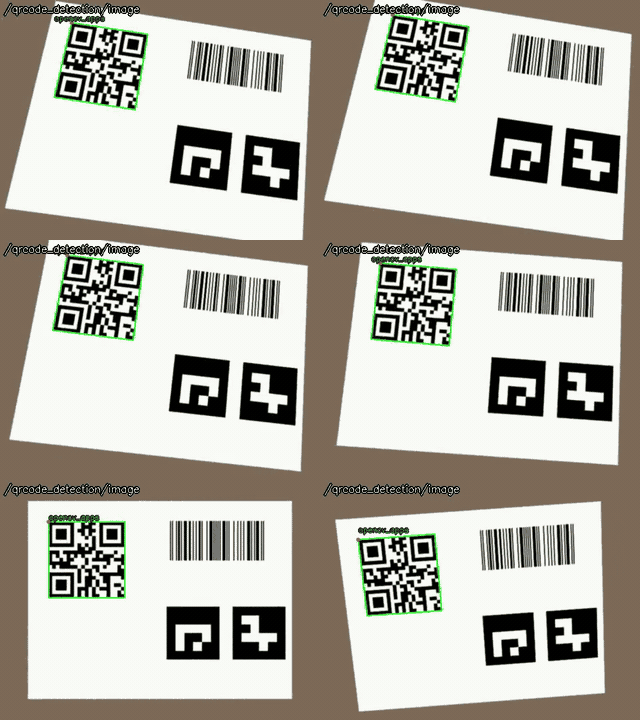
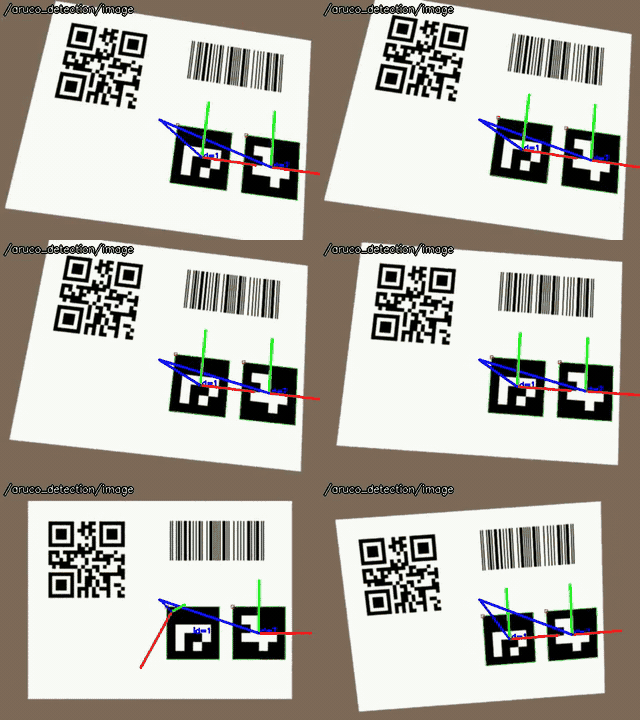
Codes and markers
Find and decode QR codes, barcodes and ArUco markers.
Output: ~/detections (DetectionArrayStamped), with the decoded data and the corners.
ROS 1: ROS One and later, ROS 2: jazzy and later

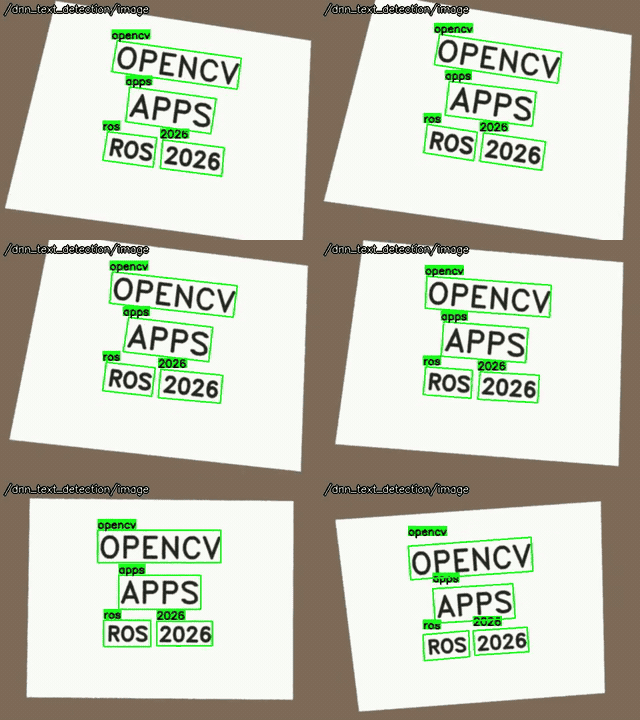
Text detection and recognition
Find the texts and read them (OCR).
Output: ~/detections (DetectionArrayStamped), with the recognized text.
ROS 1: ROS One and later, ROS 2: jazzy and later
Faces
Detect and recognize the faces and their expressions.
Output: ~/faces (FaceArrayStamped).
ROS 1: noetic and later, ROS 2: jazzy and later
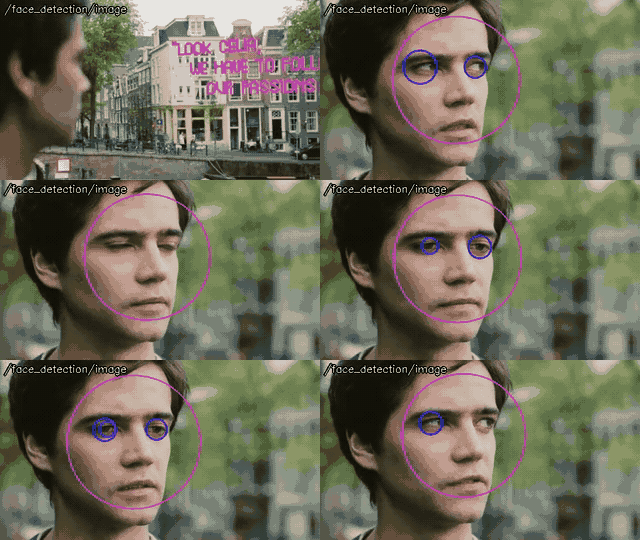
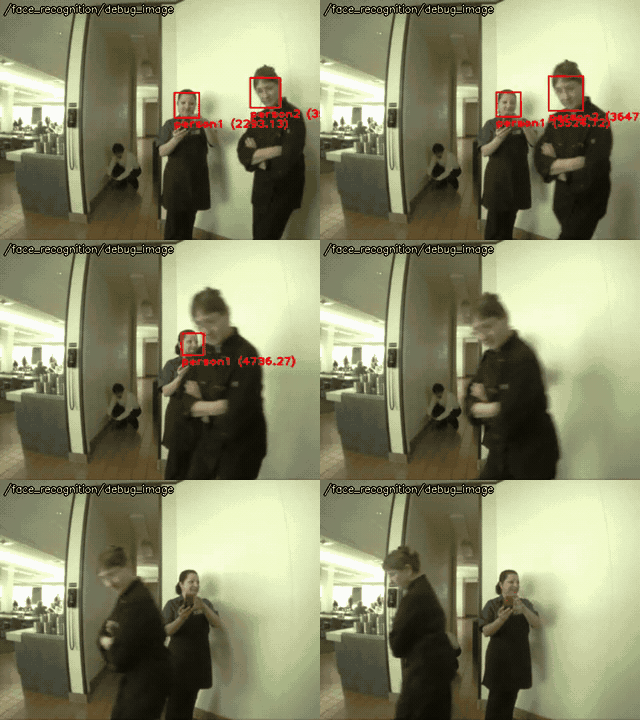
ROS 1: ROS One and later, ROS 2: jazzy and later
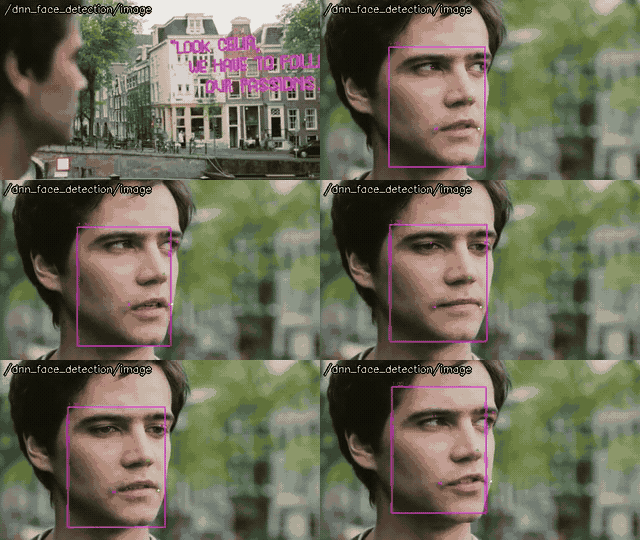
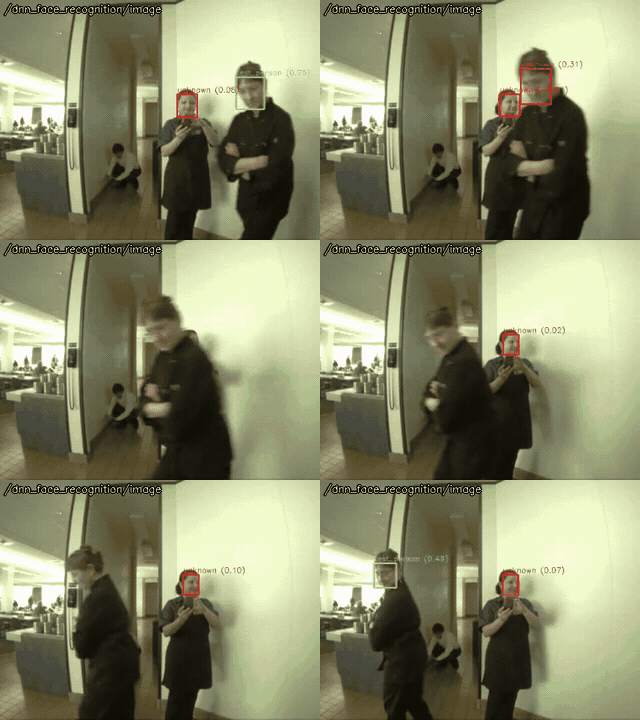
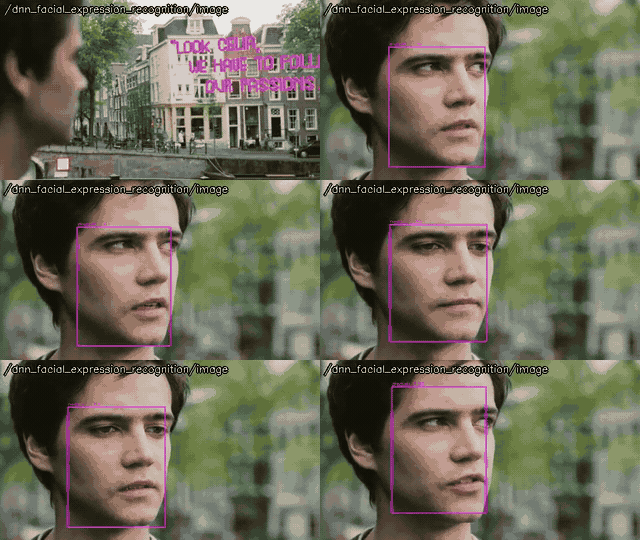
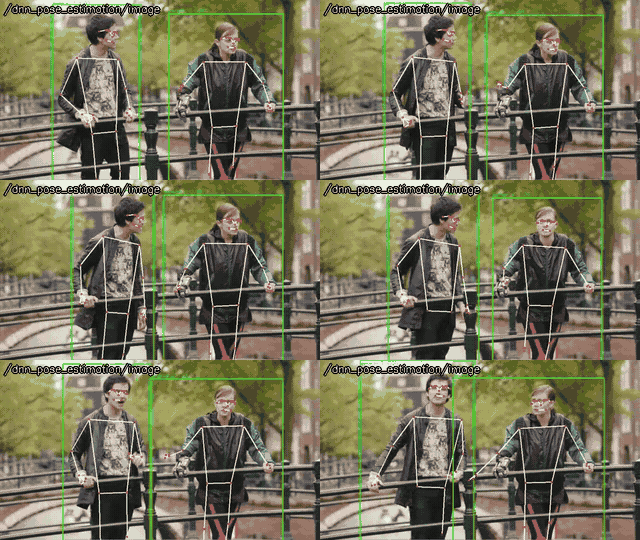
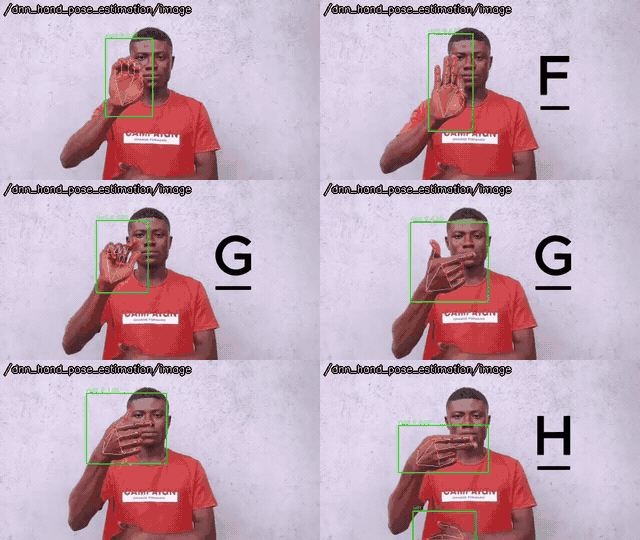
Human and hand poses
Estimate the poses of the people and the hands.
Output: ~/skeletons (SkeletonArrayStamped).
ROS 2: lyrical and later
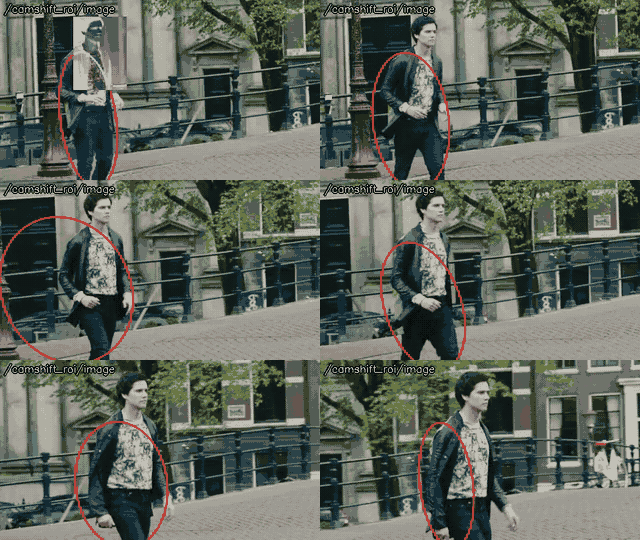
Tracking
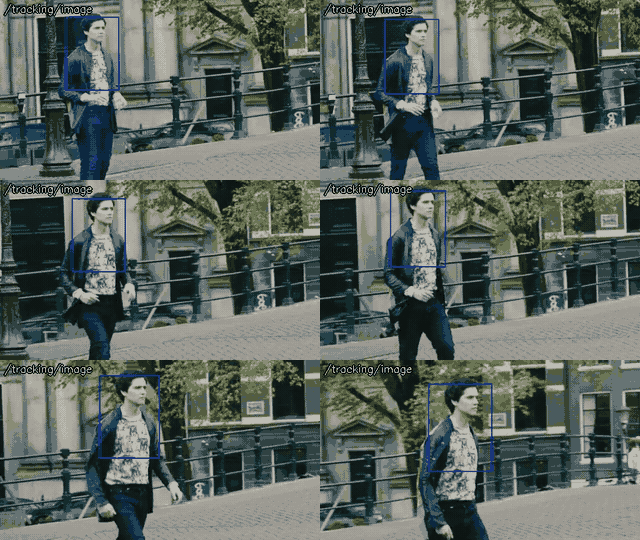
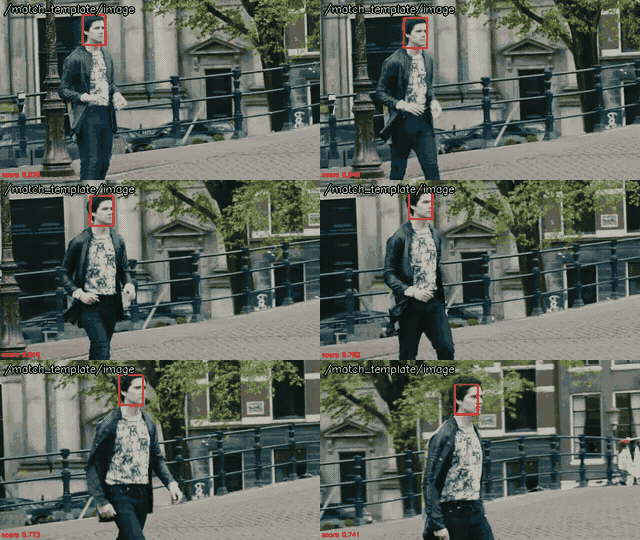
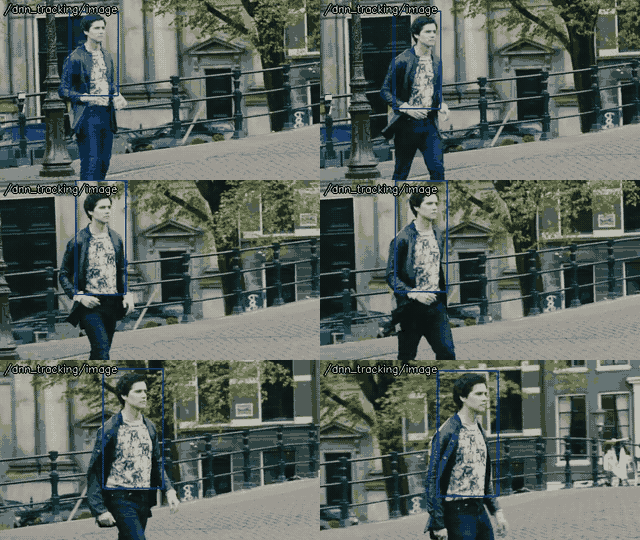
Track a target given by ``set_roi`` or the mouse.
Output: ~/output (RectArrayStamped), ~/track_box (RotatedRectStamped) of camshift.
ROS 1: noetic and later, ROS 2: jazzy and later
ROS 1: ROS One and later, ROS 2: jazzy and later
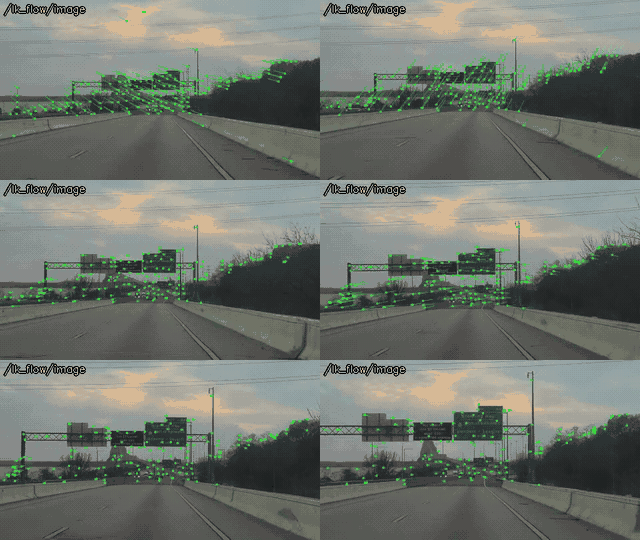
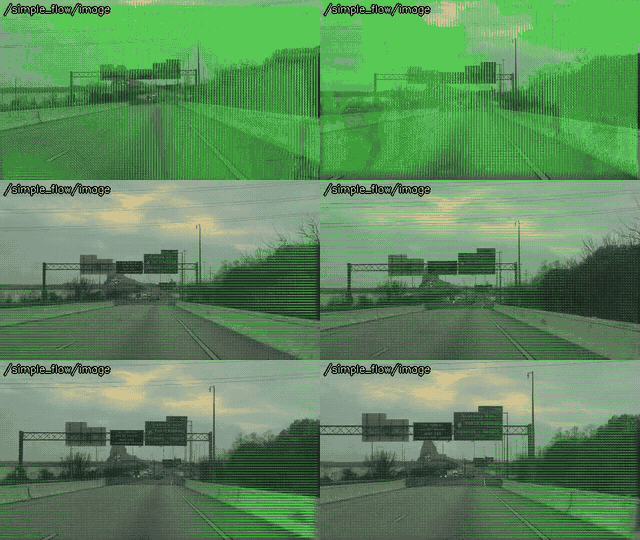
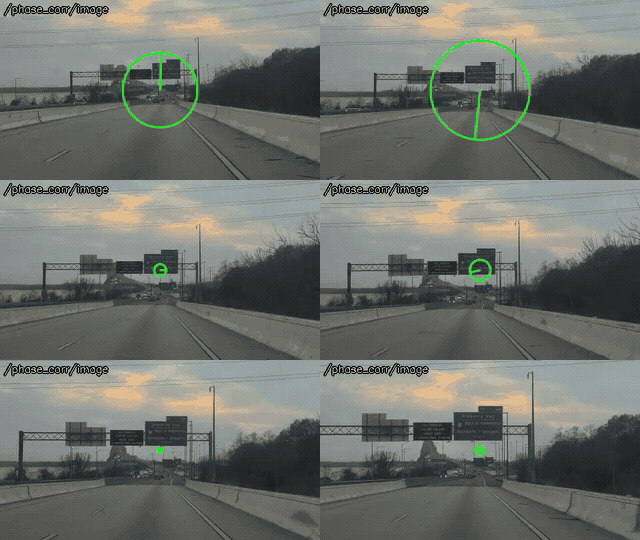
Optical flow and motion
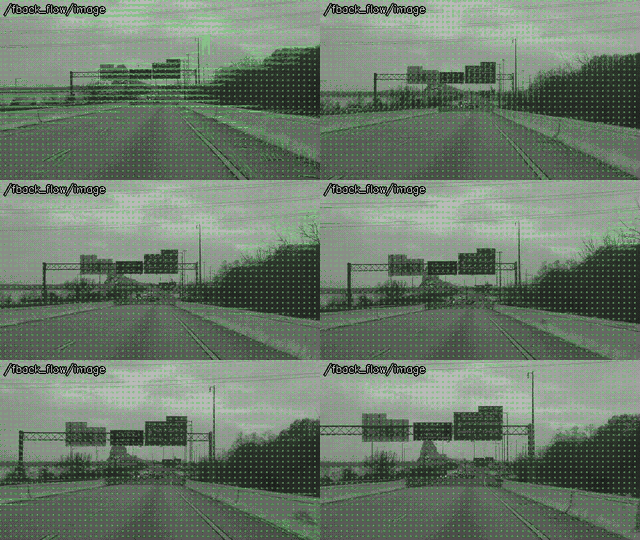
Estimate the motion of the image.
Output: ~/flows (FlowArrayStamped), ~/shift (Point2DStamped) of phase_corr.
ROS 1: noetic and later, ROS 2: jazzy and later
Histogram comparison
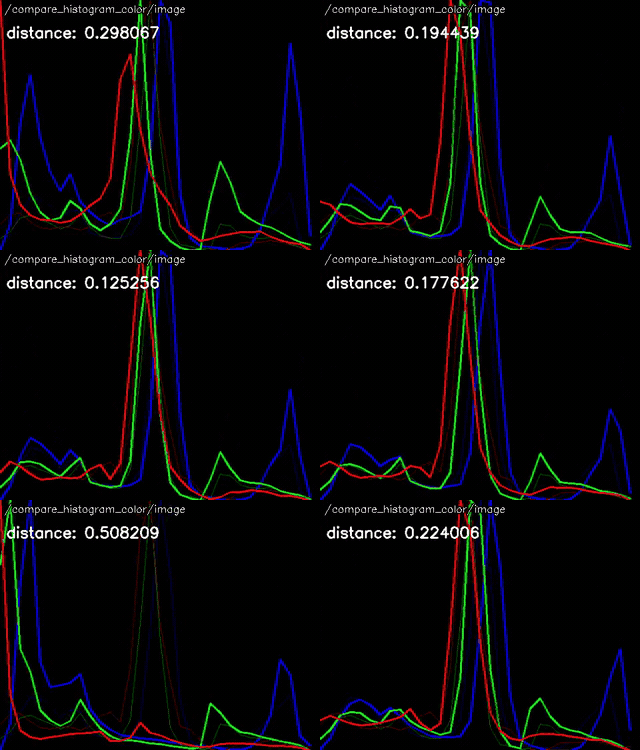
Compare the color histogram of the image with a reference.
Output: ~/distance (Float64).
ROS 1: ROS One and later, ROS 2: jazzy and later
Installation
# ROS 2 (jazzy, kilted, lyrical), ROS 1 (noetic), or ros-one-opencv-apps of ROS One
sudo apt install ros-$ROS_DISTRO-opencv-apps
Distribution |
ROS |
OS |
OpenCV |
opencv_apps |
|---|---|---|---|---|
noetic |
ROS 1 |
Ubuntu 20.04 |
4.2 |
1.11 - 2.0.2 |
ROS One |
ROS 1 |
Ubuntu 24.04 |
4.6 |
2.0.3 and later |
jazzy |
ROS 2 |
Ubuntu 24.04 |
4.6 |
3.0.0 and later |
kilted |
ROS 2 |
Ubuntu 24.04 |
4.6 |
3.0.0 and later |
lyrical |
ROS 2 |
Ubuntu 26.04 |
4.10 |
3.0.0 and later |
The page of each node shows the versions of opencv_apps, the distributions and OpenCV which the node needs, e.g. the nodes added in opencv_apps 3.0.0 are not in noetic, and some deep learning nodes need a newer OpenCV, e.g. of lyrical.
To build from the source, clone ros-perception/opencv_apps into
the workspace and build it with colcon build (ROS 2) or catkin build (ROS 1). The same source supports ROS 1
and ROS 2.
Usage
Each node has a launch file of the same name, which remaps image to the topic of the camera. To try it with the
USB camera /dev/video0, image_publisher (of image_pipeline, on all the distributions) publishes the images
of the camera, given its number instead of a file:
sudo apt install ros-$ROS_DISTRO-image-publisher
# ROS 2, terminal 1: publish the camera as image (0: the number of the camera, /dev/video0)
ros2 run image_publisher image_publisher_node 0 --ros-args -r image_raw:=image
# ROS 2, terminal 2: run the node on it
ros2 launch opencv_apps face_detection.launch.xml image:=image
# ROS 1, terminal 1: publish the camera as camera/image_raw (0: /dev/video0)
rosrun image_publisher image_publisher 0 __name:=camera
# ROS 1, terminal 2: run the node on it
roslaunch opencv_apps face_detection.launch image:=camera/image_raw use_opencv4:=true
The launch files show the results in a window of OpenCV (debug_view:=false to disable it), and the nodes publish
them on e.g. /face_detection/image (ros2 run rqt_image_view rqt_image_view /face_detection/image). With the
other camera drivers, remap image to their topic, e.g. /image_raw of usb_cam (ROS 2) or
/usb_cam/image_raw of usb_cam (ROS 1).
The nodes are also components (ROS 2) and nodelets (ROS 1), e.g. opencv_apps::FaceDetectionNodelet, to run in
the same process as the camera driver.
Common parameters
The parameters of all the nodes, except that face_recognition has neither use_camera_info nor debug_view (the
debug_view argument of its launch file is for the face detection and the image viewer which it runs):
Name |
Type |
Default |
Changed at run time |
Description |
|---|---|---|---|---|
|
bool |
false |
yes, at the next subscription |
Subscribe |
|
bool |
false (true in the launch files) |
no, restart the node |
Show the result in a window of OpenCV ( |
|
bool |
false |
no, restart the node |
Subscribe the input even when no node subscribes the outputs. The nodes subscribe the input only while their outputs are subscribed, otherwise. |
|
bool |
false |
no, restart the node |
Publish the outputs with the transient local durability (latched). |
|
bool |
false |
no, restart the node |
Print the connections of the outputs. |
The parameters of the nodes are changed at run time with ros2 param set (ROS 2) or dynamic_reconfigure (ROS
1), except those read only at the start: the common ones above, and those marked “no, restart the node” on the pages
of the nodes (e.g. queue_size, and face_cascade_name of face_detection).
Deep learning models
The dnn_* nodes download their models from the URLs of the default models (e.g. of opencv_zoo) at the first
run, and keep them in ~/.ros/opencv_apps/models/ ($ROS_HOME/opencv_apps/models/). The model parameters (e.g.
model) take a path or a URL of other models. The backend parameter selects the backend and the target of
cv::dnn: auto (CUDA when OpenCV is built with CUDA and a CUDA device is found, otherwise the CPU), cpu,
opencl, opencl_fp16, cuda or cuda_fp16.
The models are under their own licenses, e.g. Apache 2.0 for most of opencv_zoo and MIT for MiDaS, see the source of each node for the URL of its models.
Demo videos
The demo videos are made of Tears of Steel (CC BY 3.0, Blender Foundation) and the clips of Wikimedia Commons under the Creative Commons licenses, see Credits of the demo videos.